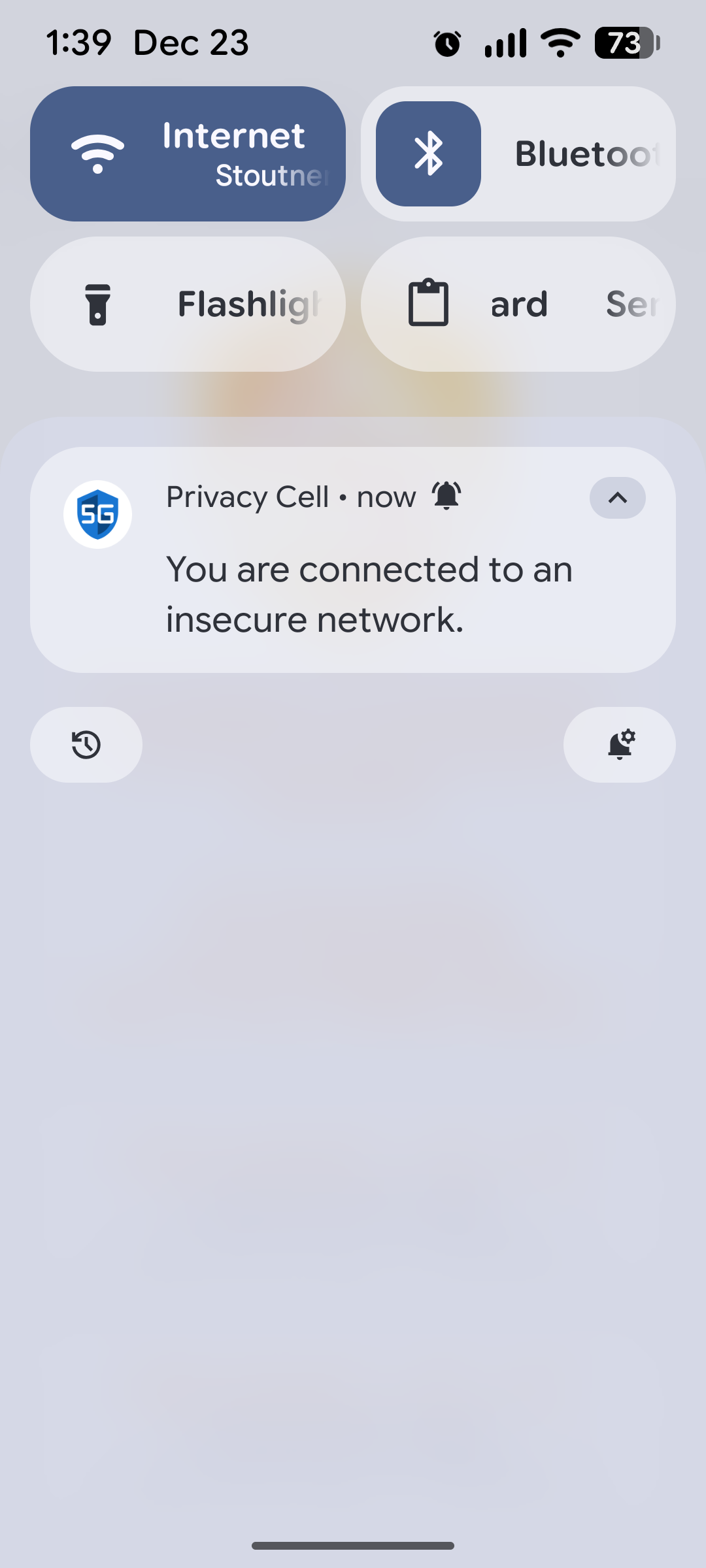
Privacy Cell 1.12 was released on 22 December 2025. This release bumps the target API to 36 (Android 16). In Android 16, the notification icon has been changed to always show the app icon (probably to prevent icon spoofing, where a malicious notification displays the icon of a different app to hide its identity). But this resulted in an annoying problem, where the blue icon would be displayed even when connecting to an insecure network.
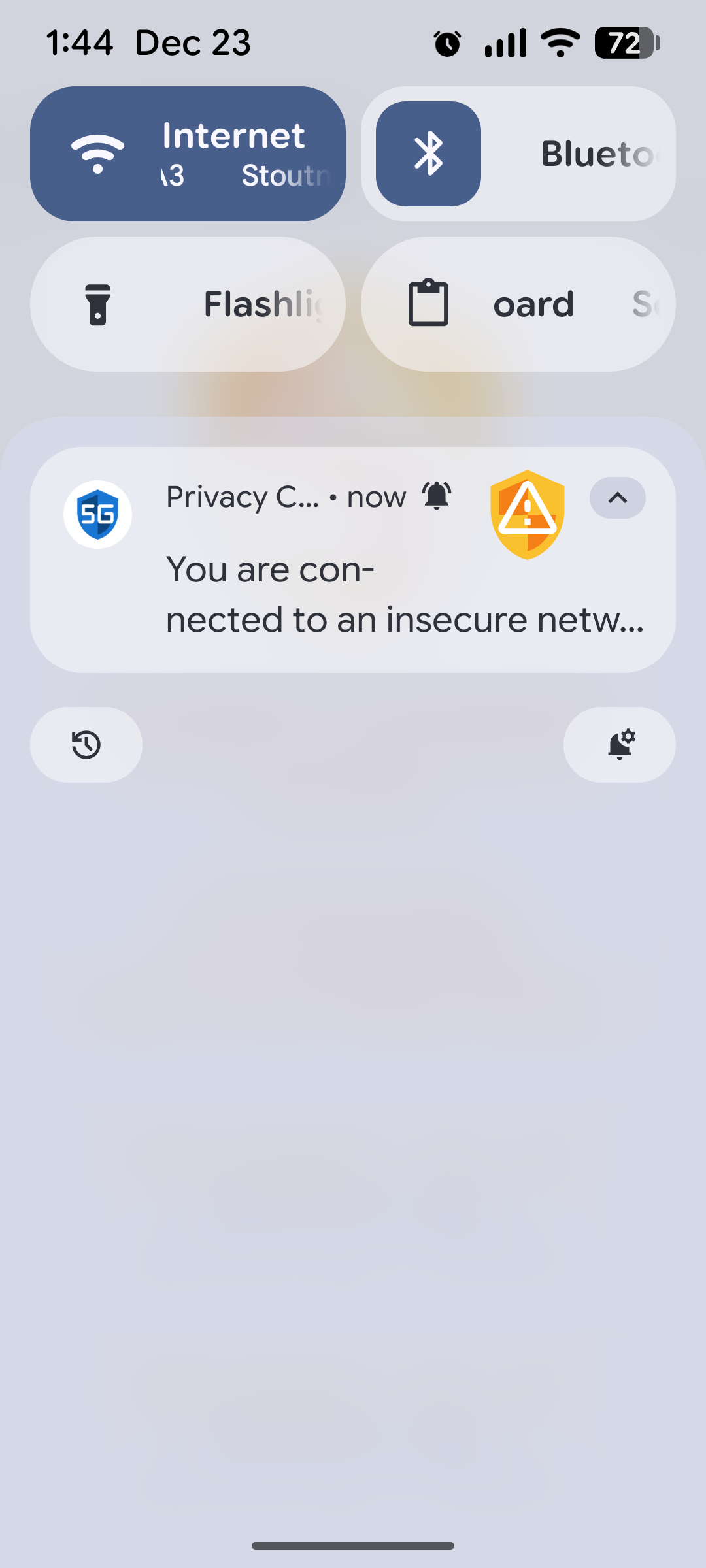
With this release, I have modified the notification to display a large icon (whose color I can control) that matches the security level of the current connection. This icon is displayed on the right. (There may be some variation in how different ROMs handle the large icon, so your device might not look exactly as show below.)
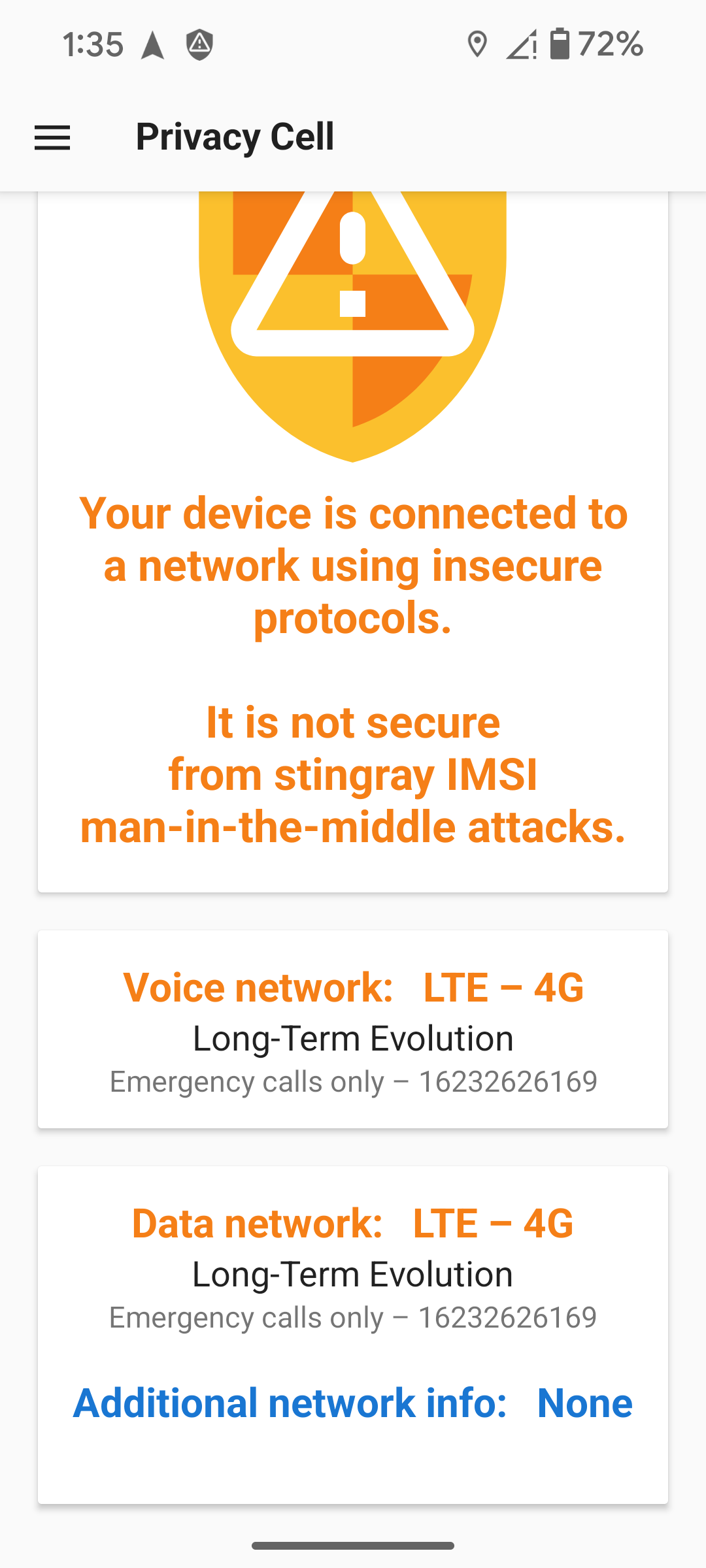
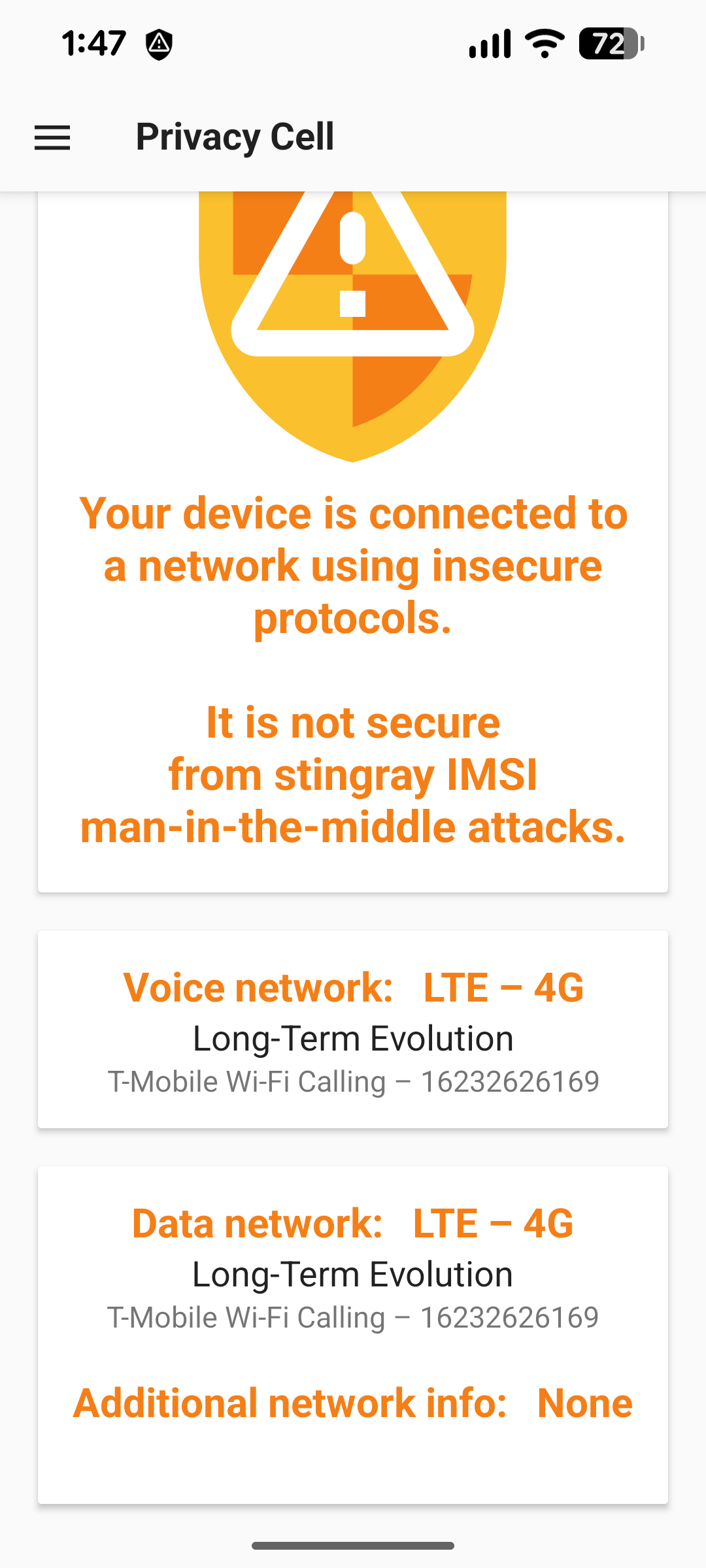
It used to be possible for the text of the additional network info to be a different color than the text of the data network protocol. This could lead to some visually confusing scenarios. Because the additional network info never modifies the security level of the data network, I have made it so the additional network info color is always inherited from data network.
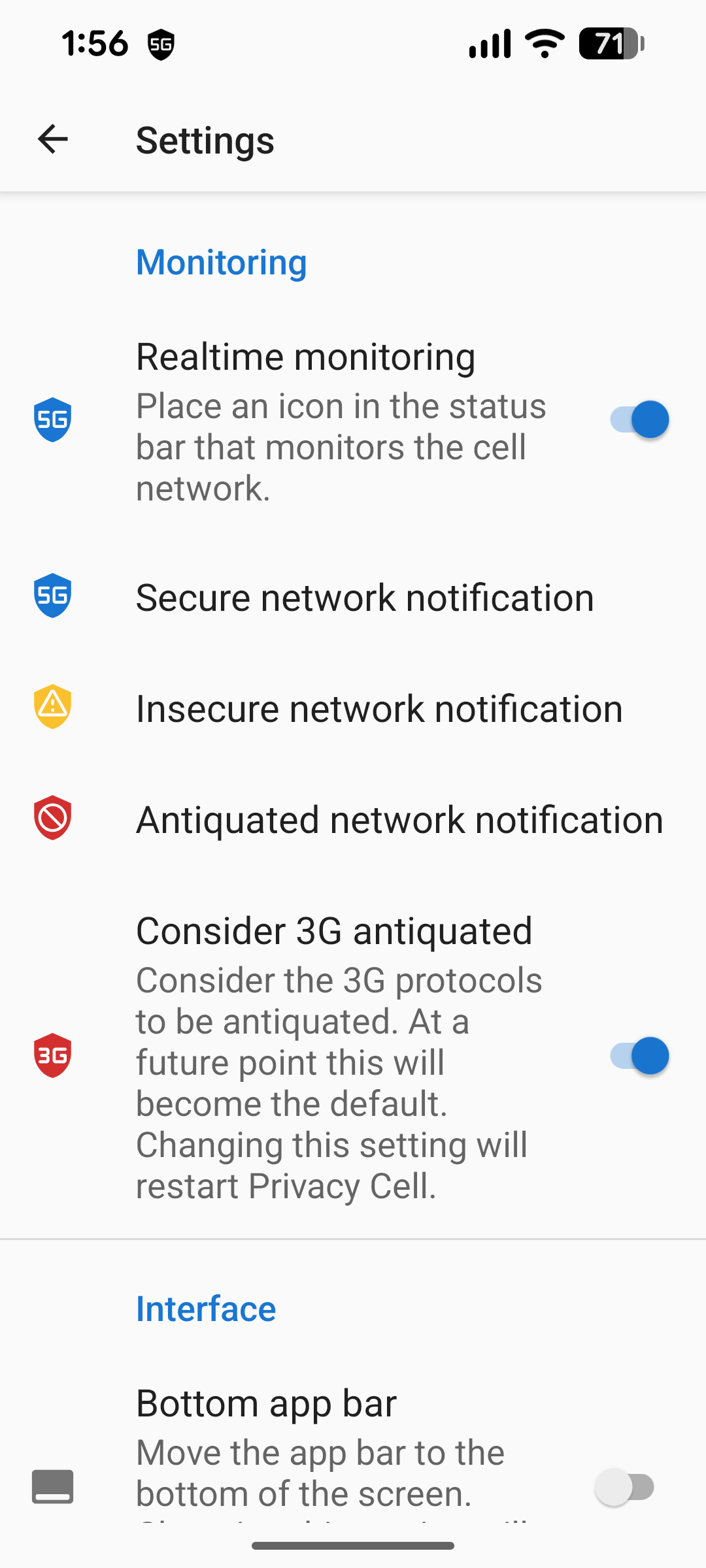
Enough of the world has migrated to 4G and 5G that 3G networks are now considered antiquated by default. This change only affects new installations of the app, and users are free to modify this setting if desired.